Vibe Coding Security Risks: Test Tenant Boundaries
October 24, 2026 · Sameer Sabir
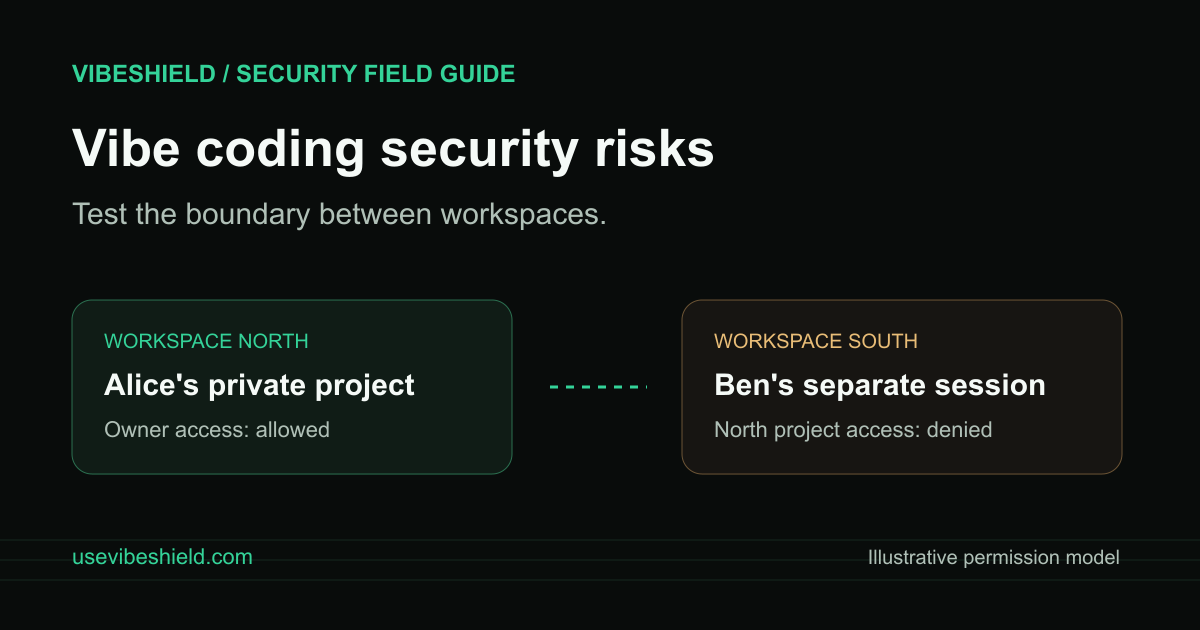
Check whether an AI-built app keeps one workspace’s data separate from another. Build a safe permission test matrix and verify fixes on your own staging app.
An AI-built app can hide another workspace’s records in the interface while still returning them from the server. One useful check for vibe coding security risks is whether each account can access only the records its role permits. Signing in successfully does not establish that boundary.
This guide uses a fictional project-management app. Run these checks only on an app you own or are authorized to test, preferably in staging with disposable accounts and invented data. It is a manual permission test, not a claim that any named app is vulnerable.
Write the permission rule before the test
Imagine two workspaces, North and South. Alice belongs to North; Ben belongs to South. Each workspace has a private project. Alice should read North’s project, while Ben should receive no private project content when he opens the same project URL.
Add a third account if your app has workspace roles: a North viewer who can read a project but cannot change members or delete it. Write the expected result for each role before you look at the current behavior. Otherwise, it is easy to rationalize an unexpected response as a product feature.
Keep a small test matrix
Owner reads their own project: allowed.
Member of another workspace reads that project: denied.
Signed-out visitor opens the private project: denied.
Viewer opens the project: allowed, if that is the intended role.
Viewer changes project settings: denied.
Removed member returns through an old bookmark: denied after the access change takes effect.
Use clearly marked test records, such as “North permission test.” Include a unique harmless phrase in the record so you can distinguish a real data response from a generic page shell. Do not put real customer information in the test fixture.
Check the response, not just the menu
Open separate browser profiles or private sessions for your test accounts. Create a record as Alice, then open its known URL as Ben. Check whether its title, description, attachments, or exported content appears. Repeat while signed out. A hidden navigation link is not proof that the underlying route enforces access.
For an API-backed page, use your browser’s Network panel to inspect the request made by your own interface. Record the endpoint, method, role, and whether private fields were returned. A page may display an error while its API response still includes private content. Conversely, an HTTP 200 can contain a safe empty response; evaluate what the application actually returned.
Do not enumerate record IDs or probe other users’ data. Use only the records you created for this test. Test writes or deletion only on disposable staging records, with a recovery plan. If a read test exposes a permission failure, stop and fix that boundary before expanding the test.
Give the coding assistant evidence and an invariant
A useful fix request states the rule that must always hold: “Every project read must verify that the current session belongs to that project’s workspace and has a permitted role.” Include the affected route, expected result, and a redacted example of the unexpected response. Keep session cookies, access tokens, and customer records out of the prompt.
Ask for the check in the server or database access path, plus regression tests for owner, other-workspace member, viewer, and signed-out visitor. Making IDs harder to guess or hiding a button does not replace a permission check. If exports, attachments, or background jobs use separate paths, review those paths too.
Retest after deployment
Repeat the same matrix against the deployed fix and record the deployment, date, roles, and result. Verify both denied and allowed actions: a repair that blocks legitimate workspace members is still a product bug. Recheck old sessions and bookmarks according to your app’s intended access-revocation behavior.
VibeShield’s vibe code scanner can help collect supported public-page signals and fix guidance. A URL scan does not prove tenant isolation or exercise every signed-in role. Pair automated findings with this manual matrix and the broader launch security checklist. For Supabase-backed apps, see the separate RLS test guide.
Source and scope
OWASP’s Broken Object Level Authorization guidance explains why record access needs authorization beyond login. This article provides an illustrative testing workflow, prepared with AI assistance. A passing matrix covers the tested roles and paths; it is not a complete security assessment.